Software SLA: what business-critical applications need from support

Content authorBy Lincoln WoolseyPublished onReading time10 min read
Modern tech startup workspace featuring a premium desk with an open laptop displaying a digital agreement, surrounded by business elements.

Custom application support isn't one-size-fits-all. We break down the terms that actually matter in a support agreement and the questions to put to your supplier to make sure critical software stays covered.

Why vague support fails

Most support arrangements for custom software are inherited. The people who built the system keep answering emails, and nobody writes down what happens at 6 pm on a Friday. That works until the day it doesn't, and by then the absence of a software SLA is a business problem.

The financial exposure is easy to underestimate. Research from the International Technology Intelligence Consortium (ITIC) found that over 90% of mid-size and large enterprises lose more than $300,000 for a single hour of downtime. And when CrowdStrike pushed a faulty update in July 2024, Parametrix estimated direct losses of $5.4 billion across the Fortune 500, with an average of $43.64 million per affected company.

Set software SLA priorities

Before you argue about response clocks, decide what the application actually does for the business. An order-capture system that stops taking revenue at 9 am has a different risk profile from an internal reporting tool that's annoying when it's slow. Your software SLA should follow that difference.

Financial services firms already work this way because they have to. The Financial Conduct Authority requires firms to set impact tolerances for important business services, defined as the maximum disruption a service can absorb before customers suffer harm they can't easily recover from. You don't need to be regulated to borrow the logic. Ask how long each function can be unavailable before the damage stops being an inconvenience and starts being a loss.

That question also protects you from overpaying. Availability targets sound abstract until you convert them into minutes. At 99.9%, a service is allowed 43 minutes of downtime a month. At 99.99%, the allowance drops to roughly four minutes, which no human on-call rota can hit reliably. You're then buying automated failover and redundant infrastructure, and paying for it every month.

Three questions settle most of this:

  • When is the application genuinely in use at month-end and during seasonal peaks?

  • Which functions can fail without stopping work, and which ones can't?

  • What manual fallback exists, and how many hours can the business run on it?

Core software SLA terms

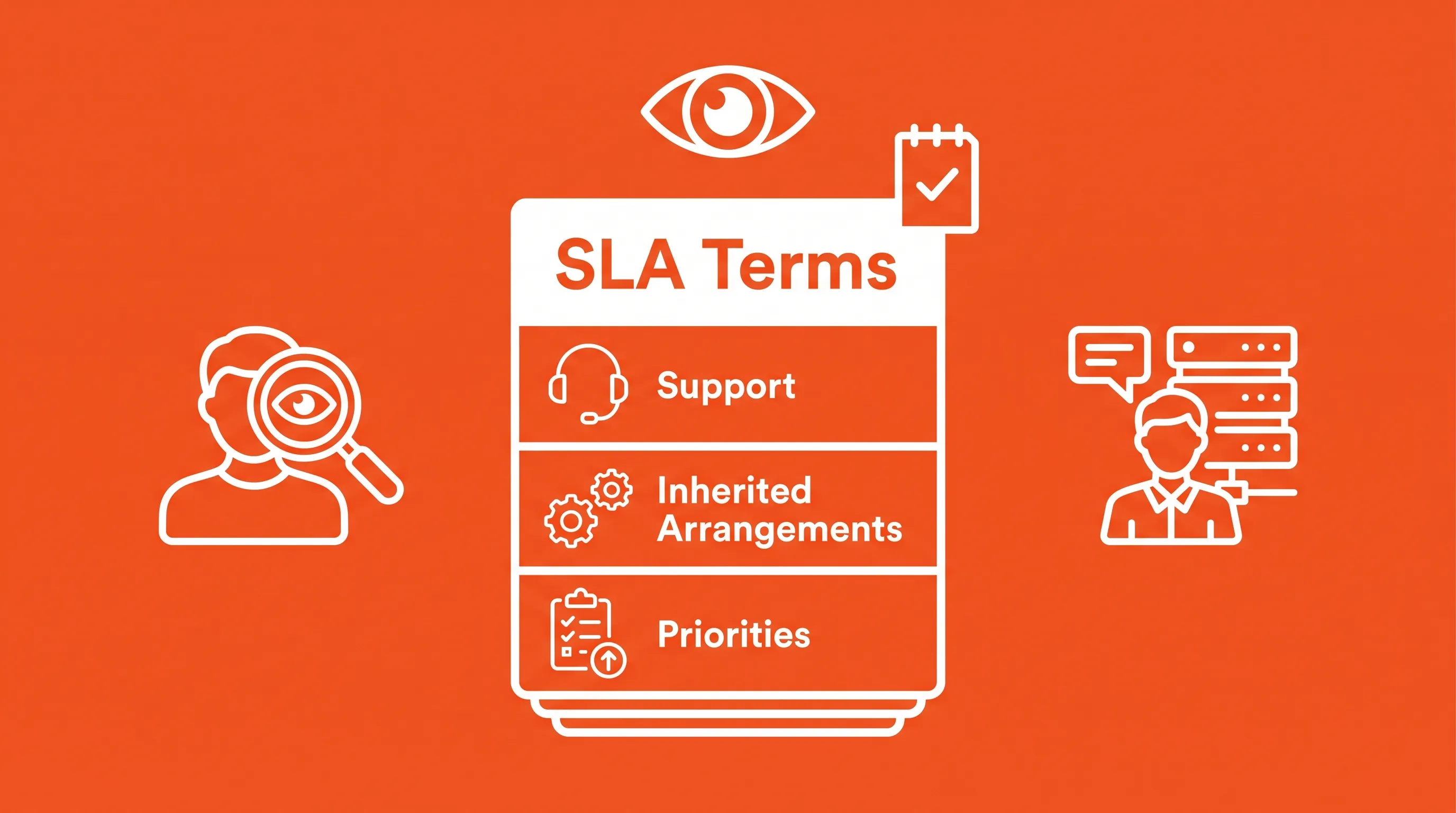
Bold flat infographic on bright orange background featuring a layered document icon labeled 'SLA Terms' with engaging reader and provider icons.

A software SLA is readable without a technical background if you know what to look for. The terms below are the ones that decide whether you get help when you need it, and they're where most inherited arrangements turn out to be thin. Read them against the priorities you've just set.

Scope and availability

Scope defines what the supplier will actually touch. It should name the application and the environments covered (production and staging). Payment gateways and single sign-on providers owned by someone else are the usual gaps, because a supplier can reasonably exclude a third-party outage while still owing you diagnosis and a workaround.

Service hours matter more than most people expect at signing. Standard business-hours cover in the UK means nothing happens between 6 pm Friday and 9 am Monday, unless you've bought extended or out-of-hours cover for high-severity incidents. Maintenance windows deserve the same attention. Agree when planned work happens and whether downtime inside the window counts against availability figures.

Ready to bring your ideas to life?

Book a free 30-minute discovery call with our team — we'll understand your objectives and advise how bespoke software, MVP development, or an extended team can help your business.

Severity levels

Severity should describe business impact. Atlassian's public framework defines a SEV 1 incident as "a critical incident with very high impact", such as a customer-facing service being down for everyone, while SEV 2 covers a major incident affecting a subset of users and SEV 3 covers a minor issue causing inconvenience. Three tiers is enough for most custom applications.

Write the definitions in your own operational terms. Then settle this question in advance: the customer raises the initial severity, and a named person on each side resolves a disagreement inside an hour. Without that clause, every serious incident begins with an argument about paperwork.

SLA response times

The single biggest source of disappointment in support contracts is treating "response" as one thing when, in reality, it's multiple. Acknowledgement means someone has confirmed receipt and assigned an owner. Investigation means an engineer with the right skills is working the problem. Restoration means the business can operate again, sometimes through a temporary fix. Final resolution means the underlying fault is corrected and released.

Good SLA response times set separate targets for each stage and tie them to severity. A 15-minute acknowledgement on a critical fault is meaningless if restoration has no target at all, which is the shape most weak agreements take. Insist on a restoration target for Severity 1 and 2, even if final resolution stays open-ended because a root cause fix needs a proper release cycle.

Then pin down the clock. SLA response times should start when the ticket is raised through the agreed channel. Clarify what pauses the clock, because "awaiting customer information" is legitimate but becomes a loophole if the supplier can pause indefinitely after a single unanswered question. Outside contracted service hours, the clock either stops or continues at a reduced commitment, and the agreement should say which.

Colette Wyatt, CEO of Evolved Ideas, sees the same pattern in agreements her team inherits: "Distance is rarely the thing that causes delivery problems. Unclear ownership is." The same holds for support. A contract that names a response target but not an owner produces a fast reply and slow progress.

Escalation and communication

Escalation needs routes and triggers written down before you need them. A route is a named role with contact details, from a support lead to a director. A trigger is the condition that moves the incident up automatically: a Severity 1 unresolved after two hours or a missed restoration target. Without triggers, escalation depends on someone being angry enough to make a phone call.

During a major incident, communication is a separate commitment from the fix. Agree an update frequency per severity and who on your side receives the updates so your own customer-facing teams aren't guessing. Afterwards, ask for a written post-incident review covering cause and corrective actions. Google's site reliability engineering team describes a postmortem as a written record of an incident including its root causes and the follow-up actions that prevent recurrence, which is exactly the artefact you want on file.

Support contract management

The operational plumbing is where support contract management either works or quietly fails. Both sides have obligations. Your supplier owes you a ticketing channel and named contacts. You owe them access credentials and a documented environment. Agreements that only list supplier duties produce disputes about who caused the delay.

Sound support contract management also covers what happens when things go wrong repeatedly, or the relationship ends. A 2024 analysis of enterprise agreements found that 94% include a service credits clause tied to availability, and credits are the sole remedy for a missed target. Credits rarely compensate for real losses, so the more valuable protection is a termination right after two or three breaches in a rolling period.

Your support contract management checklist should confirm each of these before signing:

  1. A single ticket channel of record, with email or phone treated as backup.

  2. Named responsibilities on both sides, including who authorises out-of-hours work and who can approve an emergency release.

  3. Dependencies the supplier doesn't control, listed as specific exclusions.

  4. Exit provisions covering source code and a handover period at agreed rates.

Ready to bring your ideas to life?

Book a free 30-minute discovery call with our team — we'll understand your objectives and advise how bespoke software, MVP development, or an extended team can help your business.

Proactive application care

Reactive support caps your losses without reducing the number of incidents, and that's where the money actually is. Uptime Institute's 2024 survey found that 80% of operators believe better management and processes would have prevented their most recent downtime incident.

Monitoring and alerting come first, because an application nobody watches is one your customers monitor for you. Agree what's monitored and whether the supplier responds to alerts or simply forwards them. There's a large commercial difference between a team that acts on a disk-space warning at 3 am and one that emails you about it on Monday.

Dependency updates are the quiet risk in every custom application. Black Duck's audit of more than 1,000 commercial codebases found that 91% contained components ten or more versions behind the current release, and 74% carried high-risk vulnerabilities. The National Cyber Security Centre recommends updating internet-facing services within 5 days and operating systems and applications within 7. Your software SLA should commit to a patching cadence.

The reason this work gets skipped is that it competes with features. Stripe's Developer Coefficient survey of more than 1,000 developers and 1,000 executives found engineers spend 13.5 hours a week on technical debt out of a 41-hour week. Deferred maintenance reappears as an incident at an inconvenient hour.

Reporting drives improvement

Support without reporting is a cost you can't manage, because you have no evidence of whether the software SLA is working. Monthly reporting should be a contractual deliverable, and it should be short enough that you'll read it. Volume by severity and a list of recurring faults will tell you most of what you need.

Recurring faults are the number to watch. If the same integration fails four times a quarter and each incident is closed as resolved, your supplier is meeting its targets while the underlying problem grows. That's why root cause analysis belongs in the report, and why ITIL 4 separates incident management, which restores service, from problem management, which removes the cause.

Reports change nothing on their own. Put a quarterly review in the contract with attendees named on both sides, and reserve a fixed allocation of monthly support capacity for preventive work chosen at that review. Ten to twenty percent of the retainer is enough to fix the faults the report keeps surfacing. Without reserved capacity, improvement work loses to whatever broke this morning, every single month.

A structured support model

Ad hoc fixes feel cheaper because the cost is spread across invoices and nobody totals it up. A structured software SLA makes the cost visible and, more usefully, makes the coverage visible too. Evolved Ideas offers Support as a Service in three tiers, and Tier 2 covers monitoring and security patching while Tier 3 adds development capacity for features and improvements on the same agreement.

The tiering matters because it maps to the priorities you set earlier. A business-critical application with external users needs Tier 2 as a floor, since monitoring and patching are what prevent incidents. Applications still evolving need Tier 3, because the alternative is a support contract that keeps the system alive while a separate arrangement changes it, and the two teams disagree about what broke.

What separates this from a break-fix arrangement is continuity of the people involved. The company has been building web and mobile applications since 2007 and holds ISO 27001 certification, with UK-based support and senior engineers who know the codebase. That's also what makes proactive care realistic.

Review your software SLA

Read your current arrangement against five tests. Are the commitments measurable, with separate SLA response times for acknowledgement and restoration? Is severity defined by business impact? Does the agreement fund monitoring and patching? Is escalation named and triggered automatically? Does reporting lead to reserved improvement capacity, backed by support contract management terms that cover exit as well as entry?

If your answers are uncomfortable, that gap is worth closing before the next incident tests it. Speak to Evolved Ideas about what a software SLA should cover for your application.

Ready to bring your ideas to life?

Book a free 30-minute discovery call with our team — we'll understand your objectives and advise how bespoke software, MVP development, or an extended team can help your business.

Run a scheduled incident exercise twice a year. Use a realistic failure, open a ticket through the agreed channel, and record acknowledgement, escalation, update timing, and restoration. Compare the results with the contract, then correct contact lists and runbooks before a live outage exposes the gaps.

Availability measures whether users can access a service. Performance measures whether it completes an agreed task within a stated time, such as returning a search result in two seconds. Include performance measures when a slow application stops staff or customers from completing essential work despite the service remaining technically available.

Yes, if lost data or a long recovery would interrupt a business function. Specify a recovery point objective, which sets acceptable data loss, and a recovery time objective, which sets the time to restore service. Test restoration from backups on a defined schedule and retain evidence of each test.

Usually, no. Service credits reduce future fees under stated conditions, but they rarely cover lost revenue, staff time, regulatory costs, or customer compensation. A software SLA should define credits precisely, alongside insurance requirements, liability limits, and escalation rights that legal advisers have reviewed.

Speak with Evolved Ideas when an inherited or proposed agreement doesn't match the application's operating needs. Share the supplier contract and recent incident records. Their review can compare stated commitments with system dependencies and recovery requirements, then identify terms that need clarification before the agreement is renewed.

Schedule a Discovery Call

Book a free 30-minute call that works for you

You Might Also Like

Discover more insights and articles

Over-the-shoulder view of hands typing on a laptop in a modern tech studio, with multiple screens displaying code and a coffee cup nearby.

Flutter vs React Native for B2B Mobile Apps: A Buyer’s Decision Guide

Picking a mobile framework by gut feel is how commercial trade-offs get made by accident. This guide translates the technical differences between the two leading options into terms that matter before you brief suppliers: cost, timeline risk, and talent availability. It includes a weighted scoring method you can run against your own requirements to reach a defensible decision rather than a default one.

A UK buyer evaluates app development teams in a modern workspace, featuring natural light, a premium desk, and minimalist decor.

App Developers Near Me: How UK Buyers Should Evaluate Local Fit

Picking a software partner because they're a short drive away feels safe, but proximity solves fewer problems than you might think. This guide separates what proximity genuinely improves from what it doesn't guarantee, and matches collaboration models (co-located, nearshore, extended team) to what your project actually needs.

A modern office space with an IT consultant discussing disaster recovery plans, featuring a laptop and collaborative professionals in the background.

RTO vs RPO: Setting Recovery Targets for Business-Critical Software

Every resilience conversation eventually needs to answer two questions: how long can this system be down, and how much data can you afford to lose? Here's how to turn those questions into numbers the board will actually sign off on.

A modern tech startup workspace with exposed brick, featuring diverse professionals collaborating around sleek devices and a central digital tablet.

AI Governance Framework for SMEs: Controls That Scale With Adoption

Most AI governance frameworks are built for enterprises with dedicated compliance teams. But what about lean teams that prioritise a fast pace? Here's an alternative: risk tiers to triage exposure, and a phased rollout sized for smaller organisations.